


Profitability
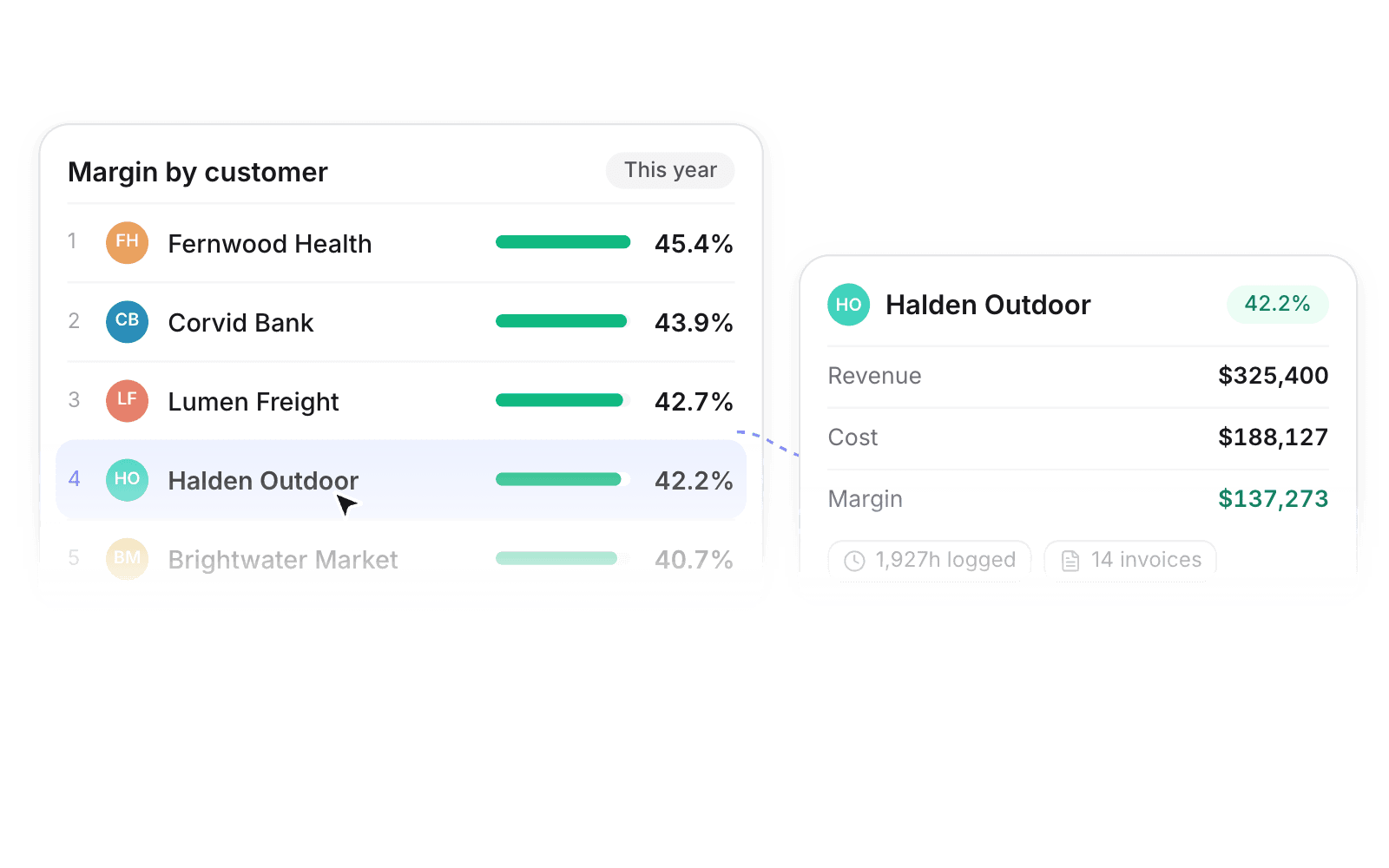
See margin per client
Every hour, invoice, and expense on the account rolls into one figure.
Rank accounts by margin. The hours and invoices behind each figure are a click away when you need to reprice.

Product · Customers
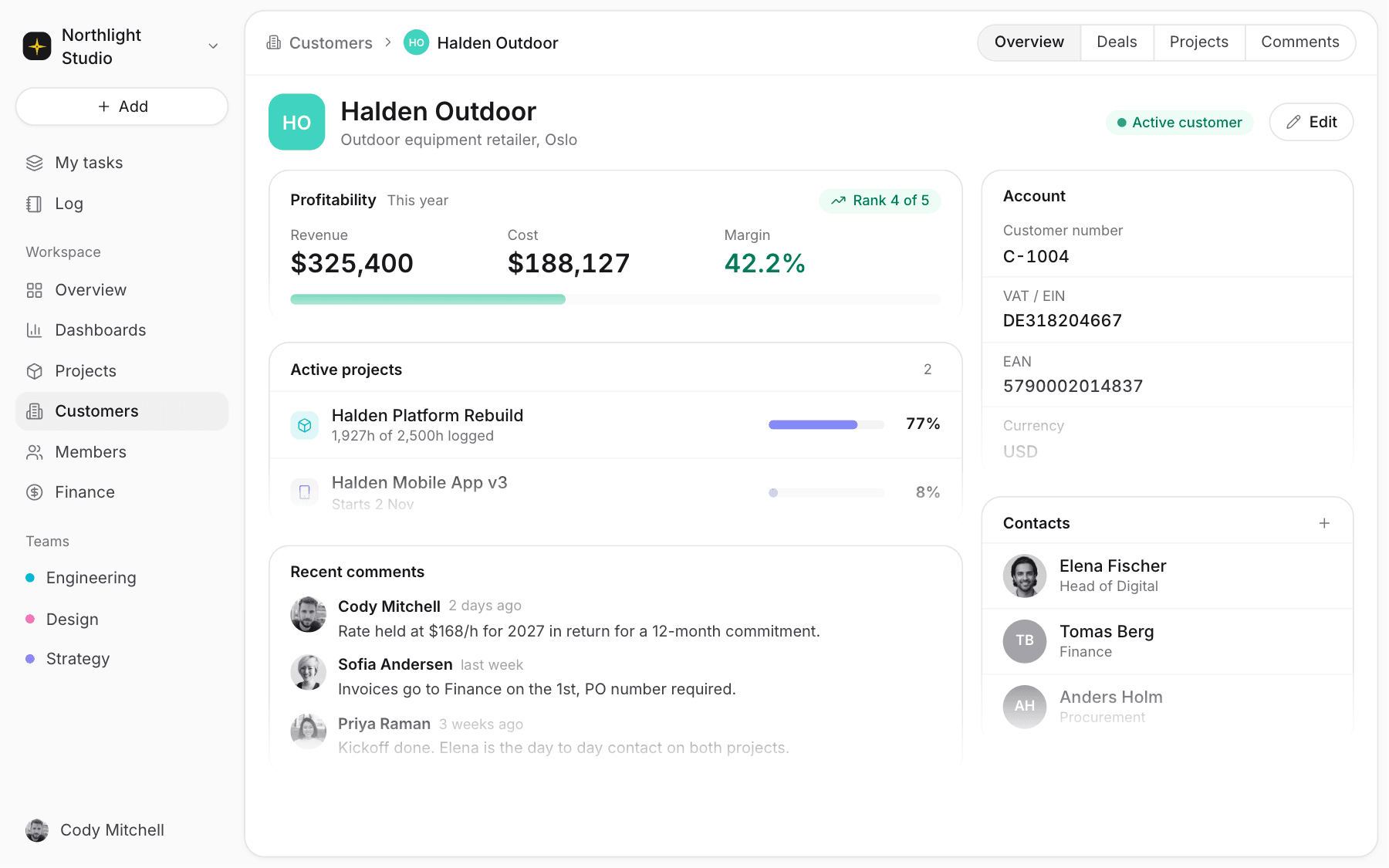
Pipeline, delivery, and margin sit on one record. Open an account and see how it is performing.
Profitability
Every hour, invoice, and expense on the account rolls into one figure.
Rank accounts by margin. The hours and invoices behind each figure are a click away when you need to reprice.
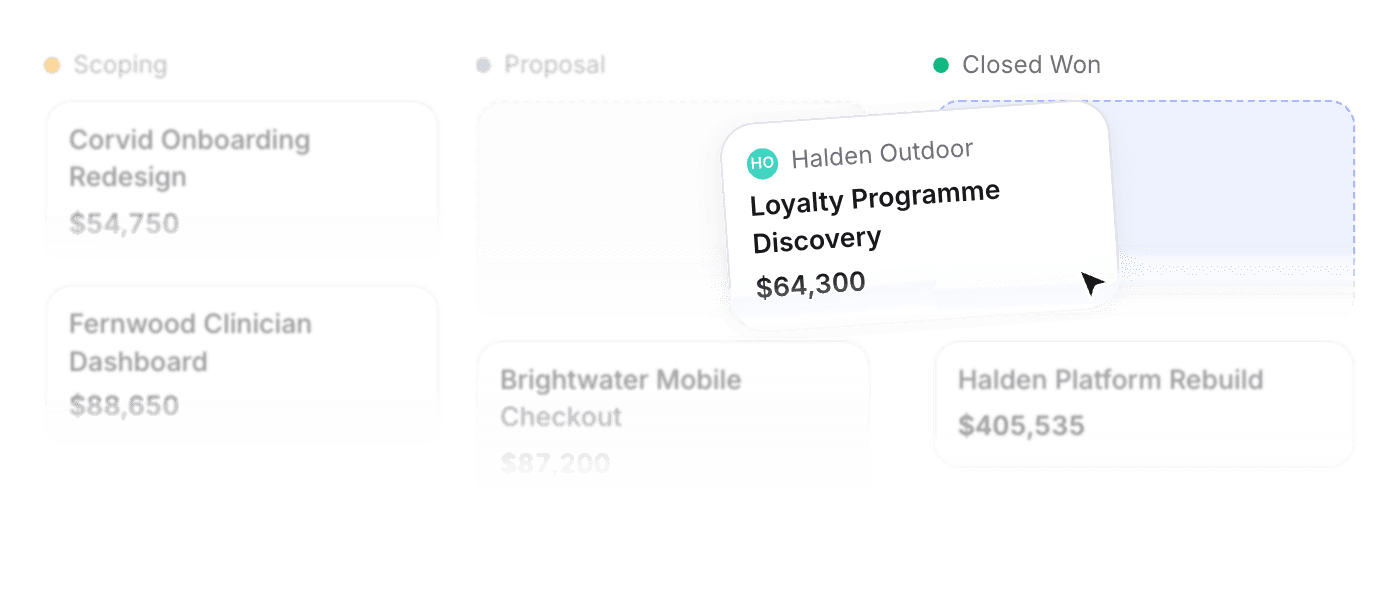
Move deals through stages. Mark one won and it opens as a project, prefilled.
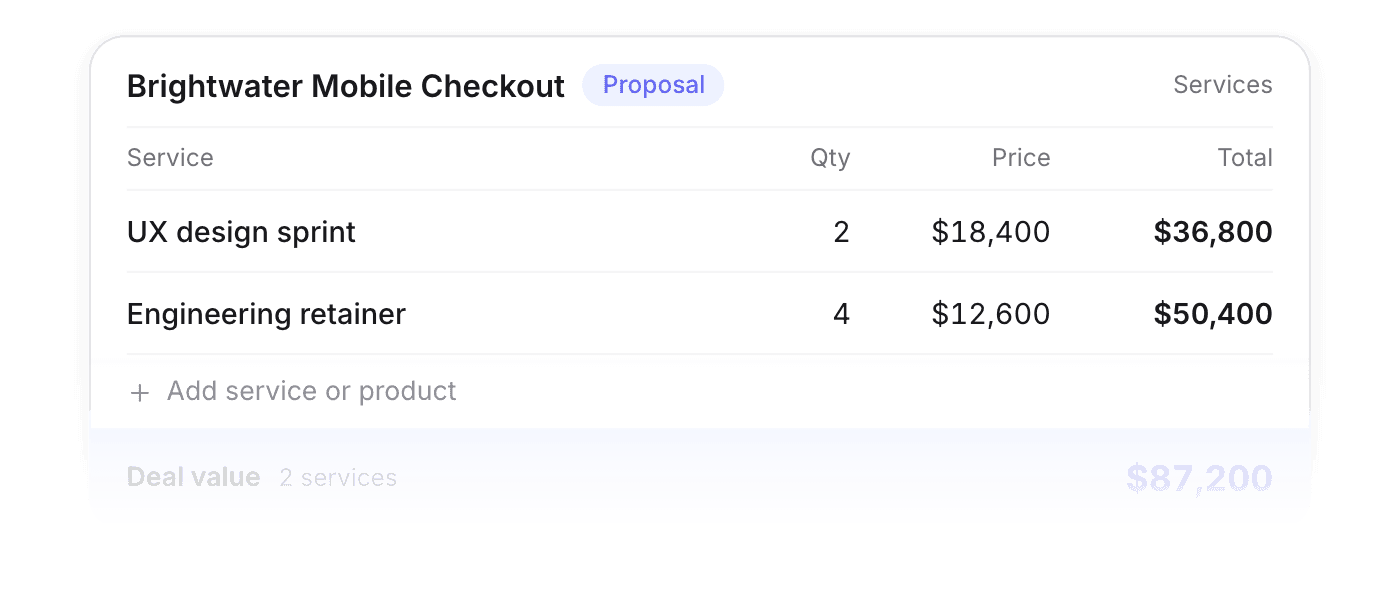
Break a deal into services and products with quantity and price. Revenue reporting uses the breakdown.
Quotes
Build line items with live margin, then email the quote without leaving Pike.
Add products, quantities, and tax. Send the quote as a PDF.
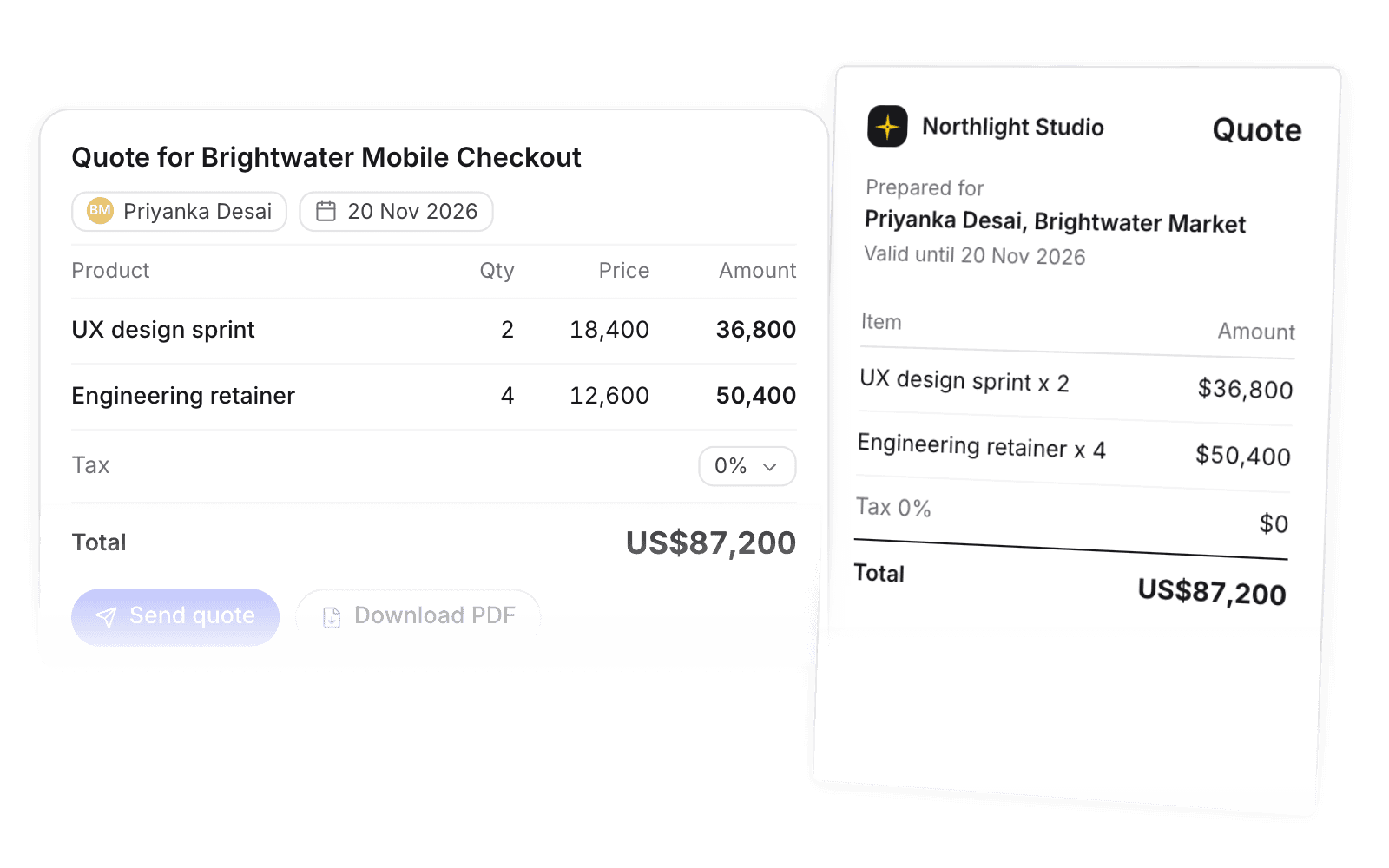
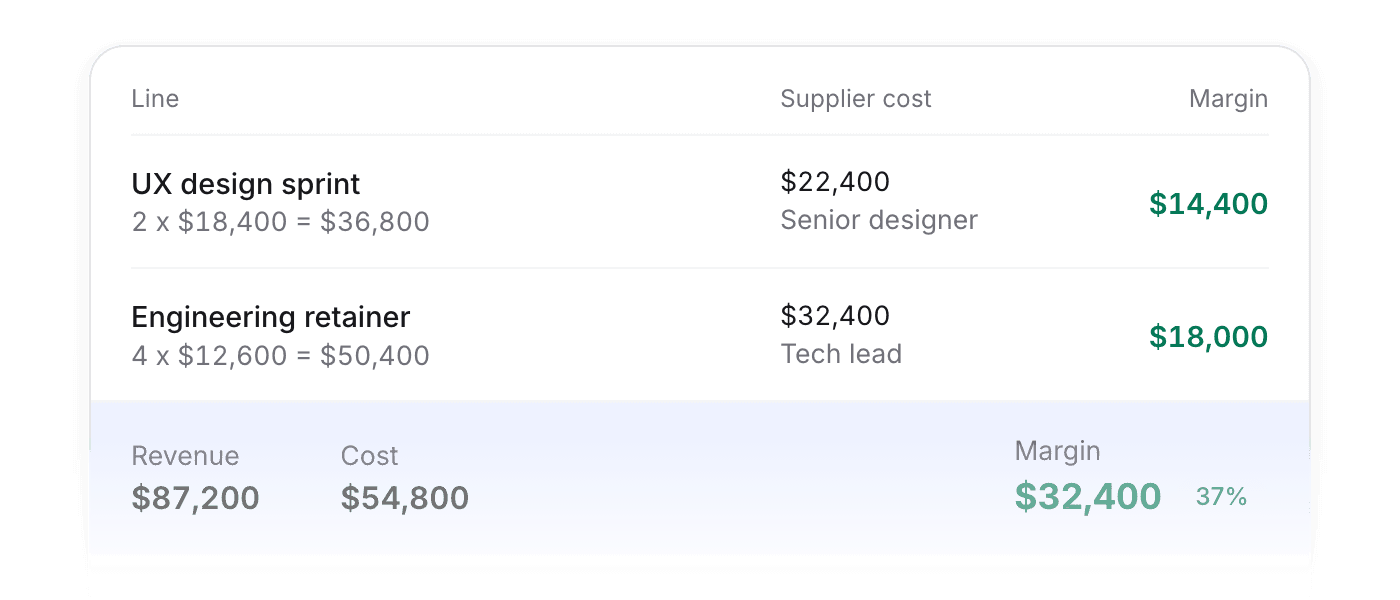
Add a supplier cost per line and Pike rolls up revenue, cost, and margin as you quote.
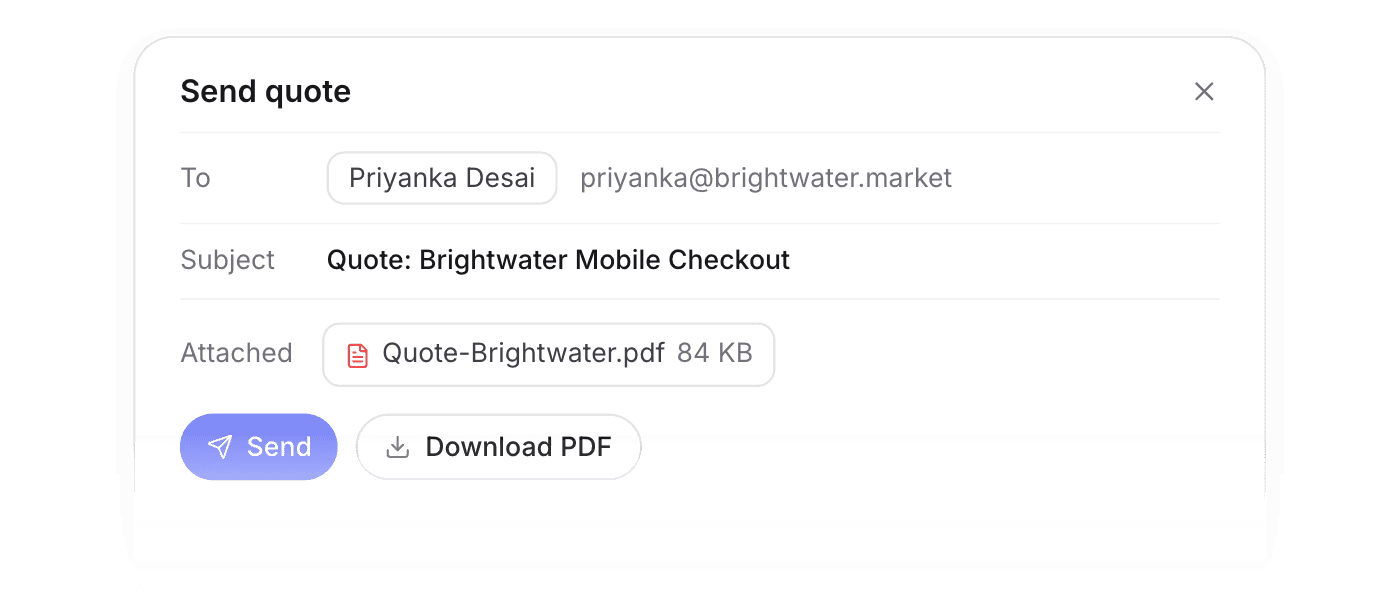
Email a PDF to your contacts from Pike, or download it, with prefilled sender and recipient details.
Client portal
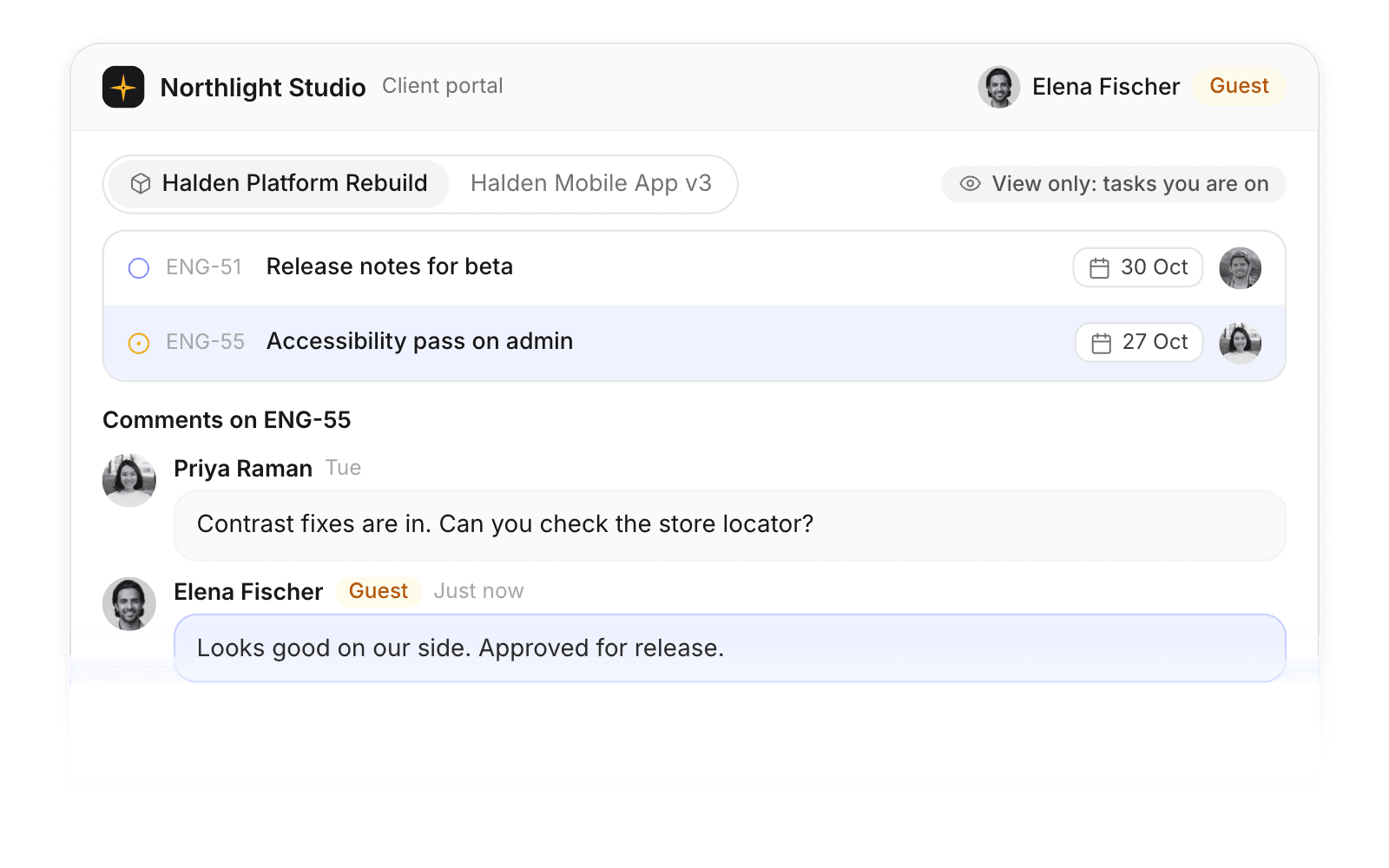
Guests see the projects and tasks they are on, and reply in comments.
Invite unlimited guests at no cost. They only see the work they are added to.
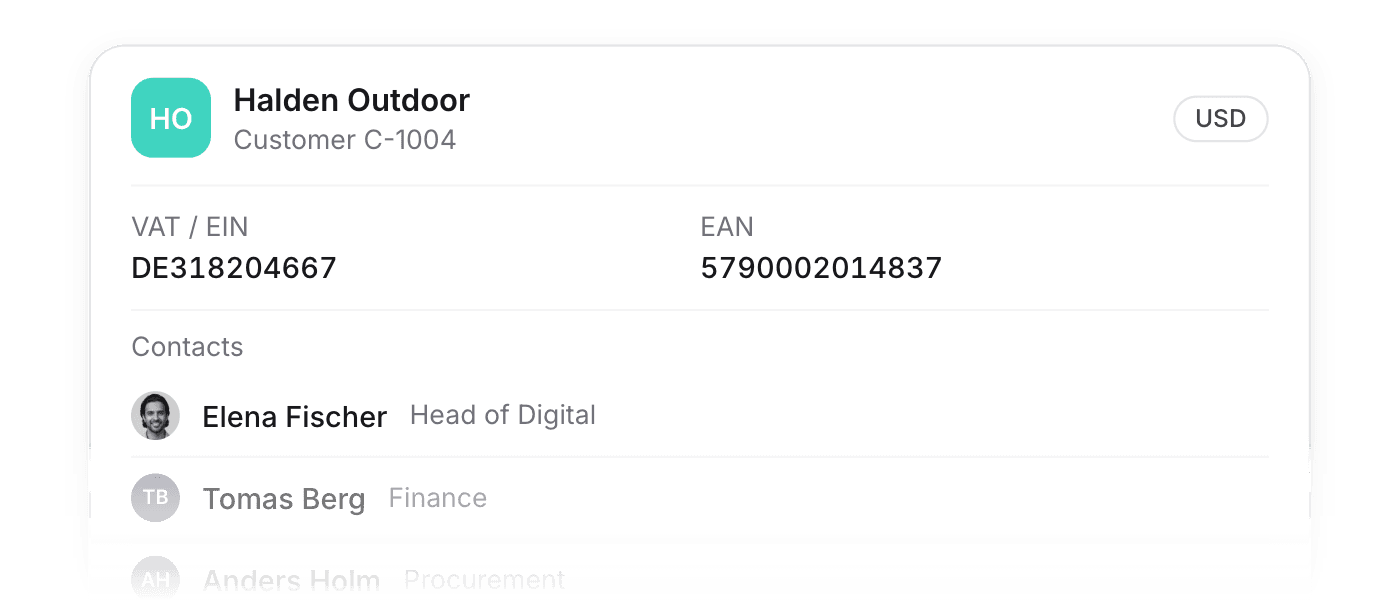
Contacts, customer number, VAT and EAN, currency, and every project attached to the client.
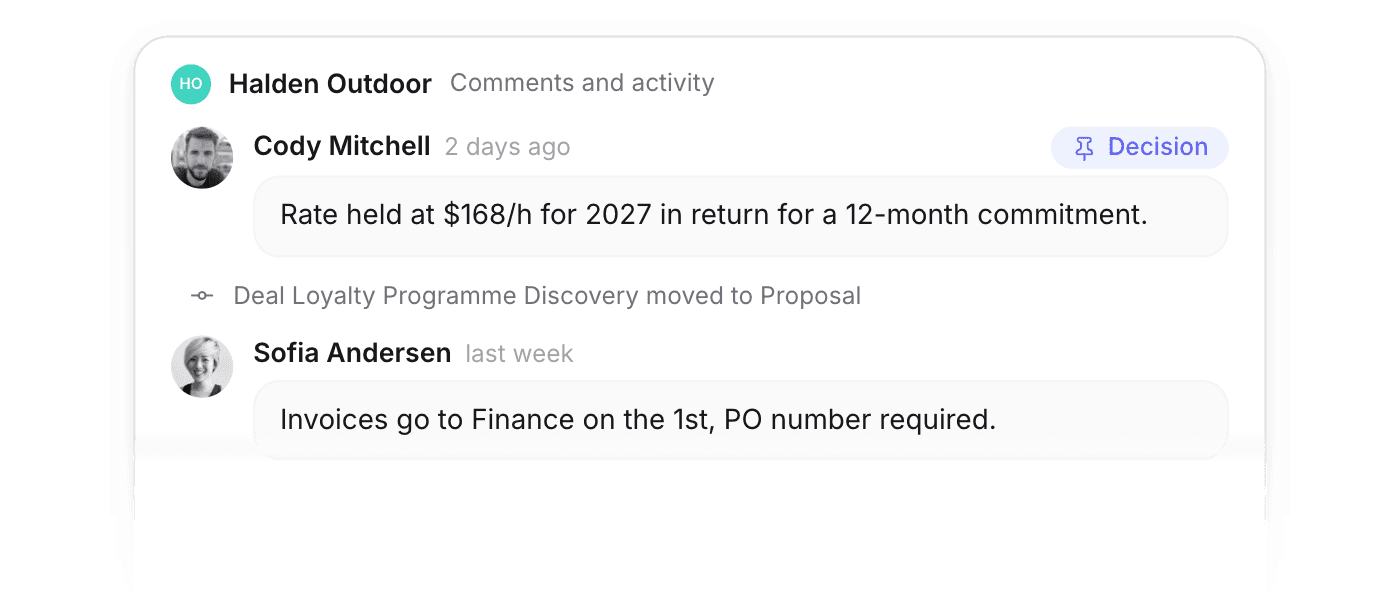
Comments and activity history live on the customer, so context is there when someone else takes over the account.
Want the details? Read the full docs
 Finance & invoicing
Live margin by client, project, and team, with invoices that flow to your bookkeeping.
 Projects
Board, list, and timeline views with milestones, dependencies, and templates.
 Dashboards
The state of your business on one screen, filtered any way you ask.
 Time & absence
Timers, one-click logging, and approvals, with every hour priced into project financials.
 Resourcing & capacity
See capacity at a glance, soft-book tentative work, and staff roles with placeholders.
 Pike MCP
Ask Claude or ChatGPT about margin and status, and create projects from the chat.
 ISO 27001
 GDPR
GDPR SOC 2 Type II
Built to keep sensitive client data secure and private.