


Best project management software for consultants (2026)
15 Oct 26
Share

"We need resource planning software that works specifically for professional services. We want to see capacity utilization, forecast future staffing needs, and ensure our teams aren't stretched too thin." That is the search a consulting or professional services firm runs once it outgrows a spreadsheet for tracking who is staffed where. Resource management software covers the full job: seeing who is allocated to what, how much capacity the firm has left, and how utilization is trending, in one place instead of three separate views that never quite agree.
This guide compares the nine tools consulting and professional services firms shortlist most often for resource management in 2026. If your question is narrower, our resource scheduling software guide covers calendar-level conflict detection specifically, and our capacity planning software guide covers the aggregate-availability question on its own. This guide is about the broader category: the software firms reach for when they want allocation, capacity, and utilization managed together.
See allocation, capacity, and utilization for your whole firm in one place. Book a 15-minute walkthrough.
Resource management software answers three related questions that a consulting or professional services firm asks every week: who is allocated to what right now, how much unassigned capacity is left across the team, and what share of available hours is actually being billed. A spreadsheet can answer any one of those questions for a moment. It struggles to keep all three current at once, because each depends on data that changes daily: a new engagement signs, someone takes leave, a project runs long.
Purpose-built resource management software keeps allocation, capacity, and utilization as one connected view instead of three documents that drift out of sync. That matters most at multi-office or multi-practice firms, where a partner in one office has no easy way to see that a consultant in another office already has room for a new engagement.
Firm-wide visibility, not per-project silos. A consultant working across three client engagements needs their availability visible from all three at once, not tracked separately in three project plans that disagree with each other.
Utilization reporting built in. Billable utilization is the number that predicts whether a professional services firm hits margin. If getting it means exporting time entries into a spreadsheet every week, the tool is not built for this job.
Skill and role-based matching. Past a certain headcount, staffing by name alone stops working. A resource manager needs to filter by discipline, seniority, or specialism to find who is actually free and qualified for an engagement.
Capacity and forecasting together. Near-term availability answers whether the team can staff what is already signed. A forecasting view of the pipeline answers whether a hiring or redeployment decision is needed before a gap opens.
A connection to billing. Whatever gets allocated and logged should flow into an invoice without a separate reconciliation step. Resourcing decisions that don't connect to billing tend to get made without their cost in view.
Starting prices are the vendors' public list prices as of 2026. Where a vendor does not publish pricing, we show contact sales.
| Tool | Best for | Starting price | Core resourcing feature |
|---|---|---|---|
| Pike | Consulting and PS firms wanting one view | From $29/user/month | Allocation, capacity, and utilization in one workspace |
| Kantata | Multi-office, multi-entity firms | $69/user/month | Complex staffing rules tied to project accounting |
| Scoro | Boutique practices | $10/user/month | Visual resource planner combined with quoting |
| Productive | Engagement-based firms | $9/person/month annually | Resourcing connected to engagement budgets and profitability |
| Accelo | Full client-lifecycle firms | Contact sales | Resourcing runs from proposal through invoice |
| Teamwork | Integration-heavy teams | $10.99/user/month | Workload views connected to 150+ apps |
| Rocketlane | Repeatable engagement kickoffs | Contact sales | Auto-staffs a new engagement from a signed SOW |
| Asana | General workload tracking | $10.99/person/month annually | Shared timeline and workload view, no native utilization reporting |
| BigTime | Finance-first firms | $20/person/month | Utilization reporting built from real per-person cost rates |
Best for: consulting and professional services firms that want allocation, capacity, and utilization managed as one thing, not three.
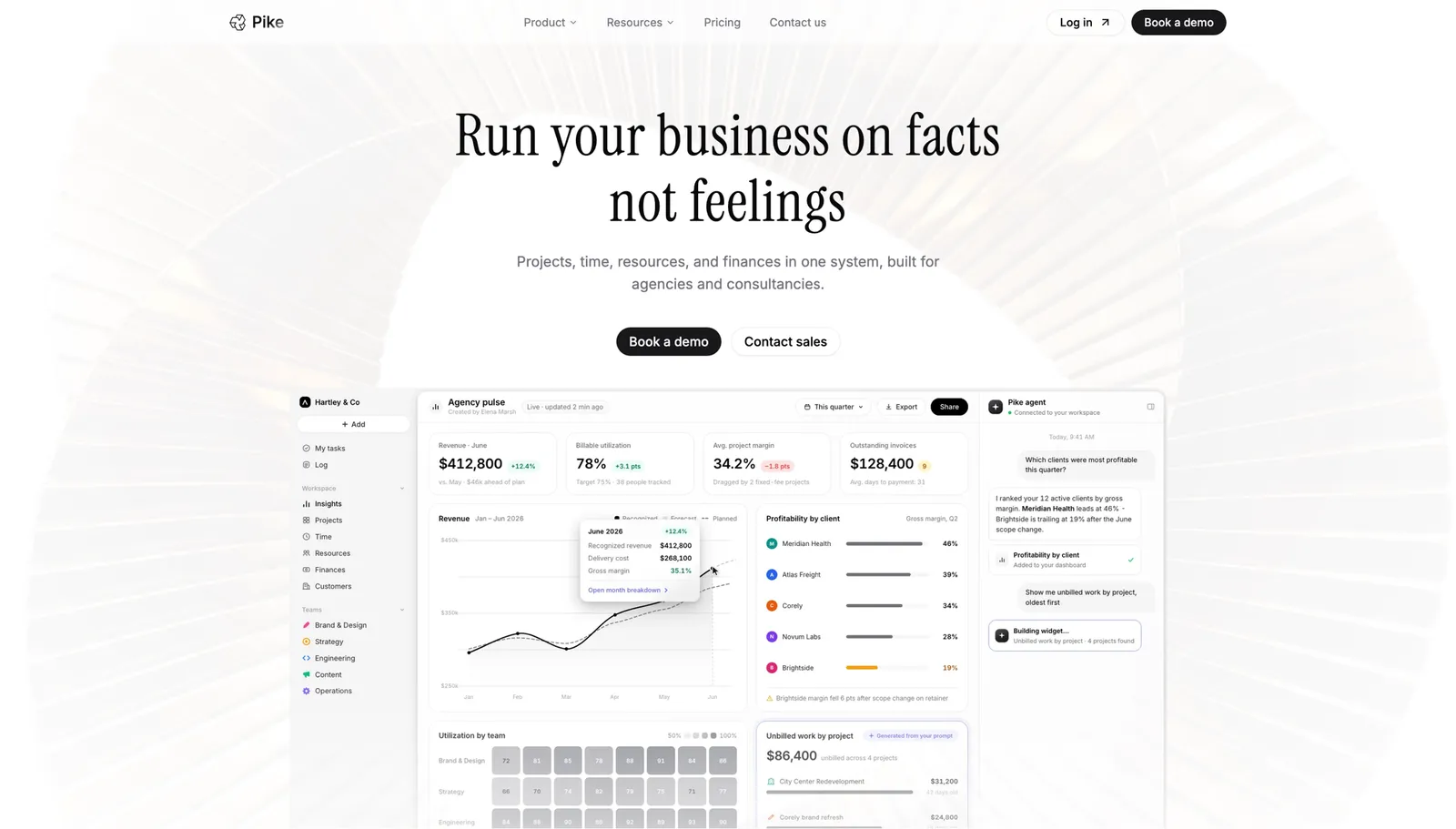
Pike keeps every consultant's allocations, remaining capacity, and utilization trend in one workspace, so a resource manager or partner can answer "who has room for this engagement" without cross-referencing a separate spreadsheet or waiting for a weekly report to catch up.
Pike runs 4 billing models (fixed-price, time-and-materials, capped T&M, and retainer) and syncs with 4 accounting systems (QuickBooks, Xero, Business Central, and E-conomic), so a staffing decision shows its billing impact immediately instead of after the fact. It's in production at teams including Outerkind, McElroy Architecture, e&enterprise, WPP, and Veolia.
Pros
Cons
Pricing: Pike publishes plans starting at $29 per user per month (Core, billed annually; $35 monthly), with Growth at $49 and Scale at $99 per user per month, plus a custom Enterprise tier. See pricing or book a walkthrough.
Best for: multi-office consulting firms with complex staffing rules across entities.
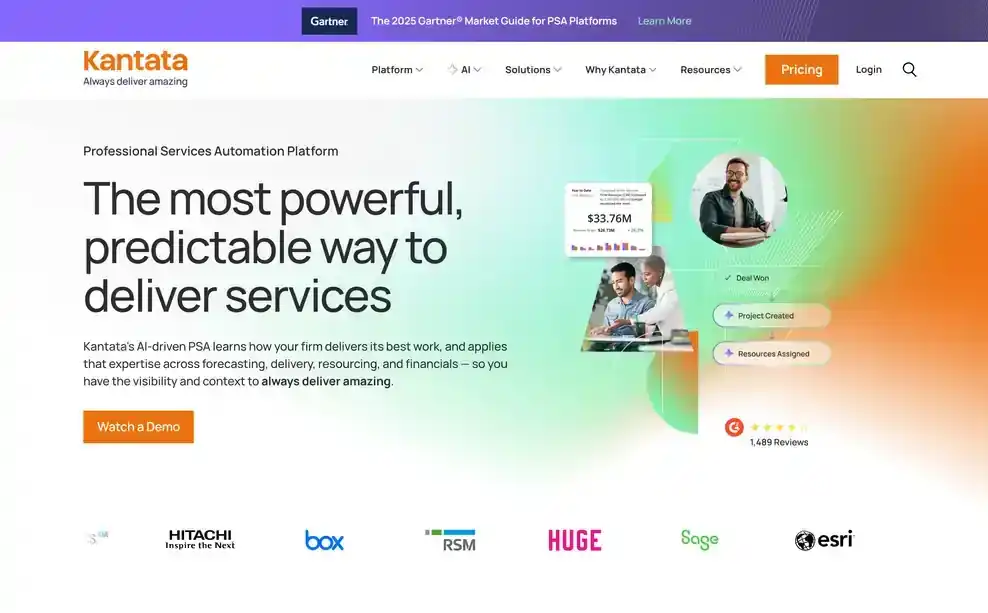
Kantata is built for the scale where staffing rules get genuinely complicated: multiple offices, multiple legal entities, and role-based matching that has to respect all of it. It ties resourcing straight to project accounting and integrates with Salesforce, which suits firms that already route new engagements through that CRM.
Pros
Cons
Pricing: Kantata does not publish standard pricing. Contact its sales team for a custom quote. See Kantata vs Pike.
Best for: boutique consulting practices that want resourcing and quoting in one tool.
Scoro pairs a drag-and-drop resource Planner with a built-in quoting module, so a boutique practice can price a new engagement and staff it from the same data, without a separate proposal tool in the mix.
Pros
Cons
Pricing: Scoro does not publish a verified public starting price for the tier that includes these features. Contact Scoro for current pricing. See Scoro vs Pike.
Best for: engagement-based firms that want resourcing tied directly to profitability.
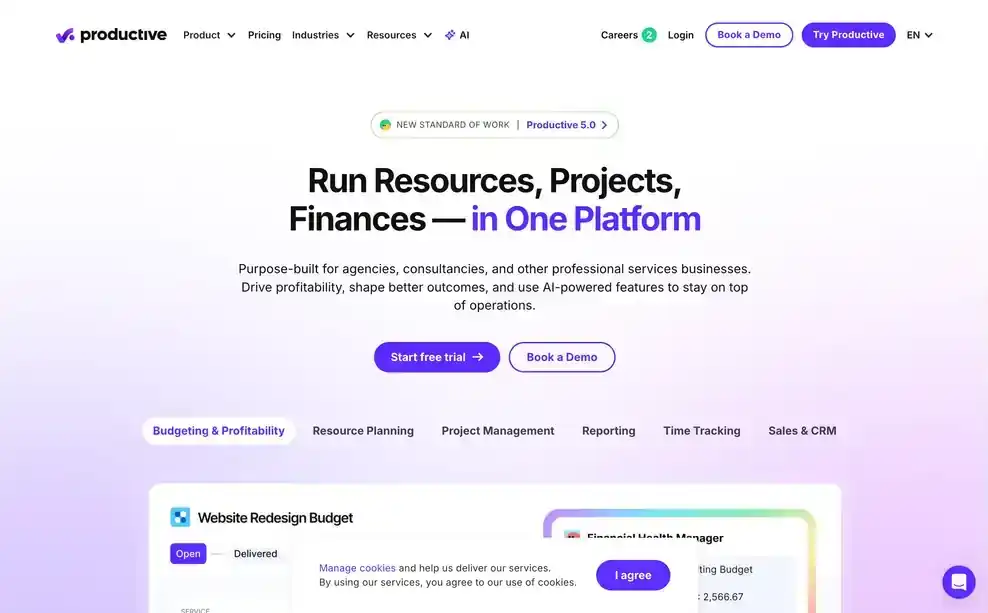
Productive connects a consultant's allocation to the engagement's budget and factors in booked time off automatically, so a resource manager sees committed-versus-available hours and the engagement's margin impact in the same view.
Pros
Cons
Pricing: Plans start at $9 per person per month billed annually. See Productive vs Pike.
Best for: firms that want resourcing managed across the full client lifecycle, proposal to invoice.

Accelo treats resourcing as one stage in a single client lifecycle rather than a separate discipline, so a staffing plan set during the proposal stage carries through to delivery and invoicing without re-entry. Its predictive tools also flag a likely staffing conflict before it happens.
Pros
Cons
Pricing: Accelo does not publish pricing. Contact its sales team for a quote. See Accelo vs Pike.
Best for: firms that want workload visibility connected to a large integration library.
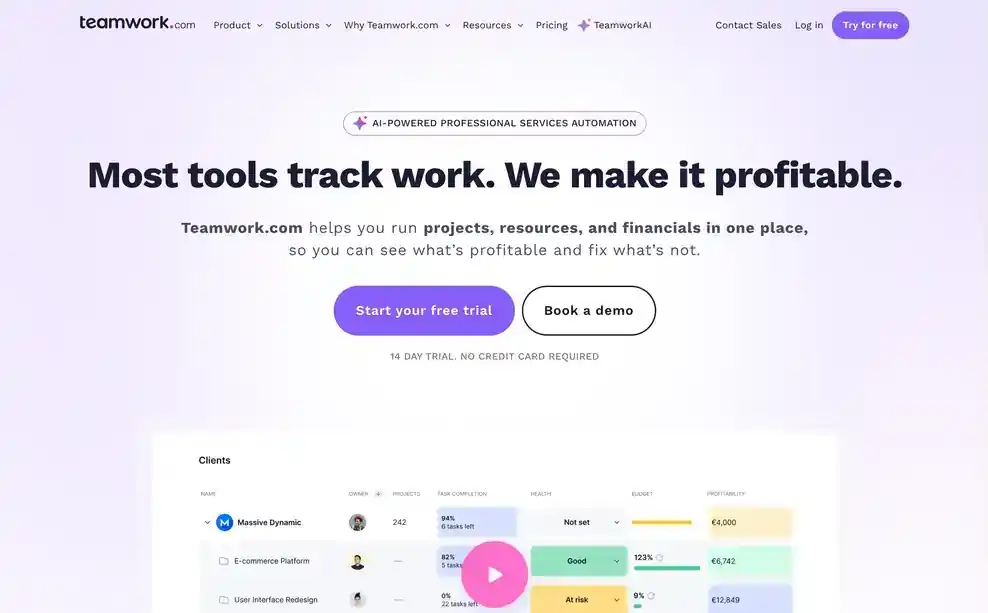
Teamwork's workload views cover the basics of who is assigned to what, and its more than 150 integrations mean a staffing change can reach the firm's other tools, finance and reporting included, without a manual export.
Pros
Cons
Pricing: Contact Teamwork for pricing that includes these features. See Teamwork vs Pike.
Best for: firms that want a new engagement staffed automatically from a signed contract.

Rocketlane uses AI to turn a signed statement of work into a staffed project plan, which suits firms that run a repeatable engagement-launch motion and want staffing set up the same way every time rather than rebuilt by hand.
Pros
Cons
Pricing: Rocketlane does not publish a verified starting price. Contact sales for current pricing.
Best for: firms that need general workload tracking more than dedicated utilization reporting.
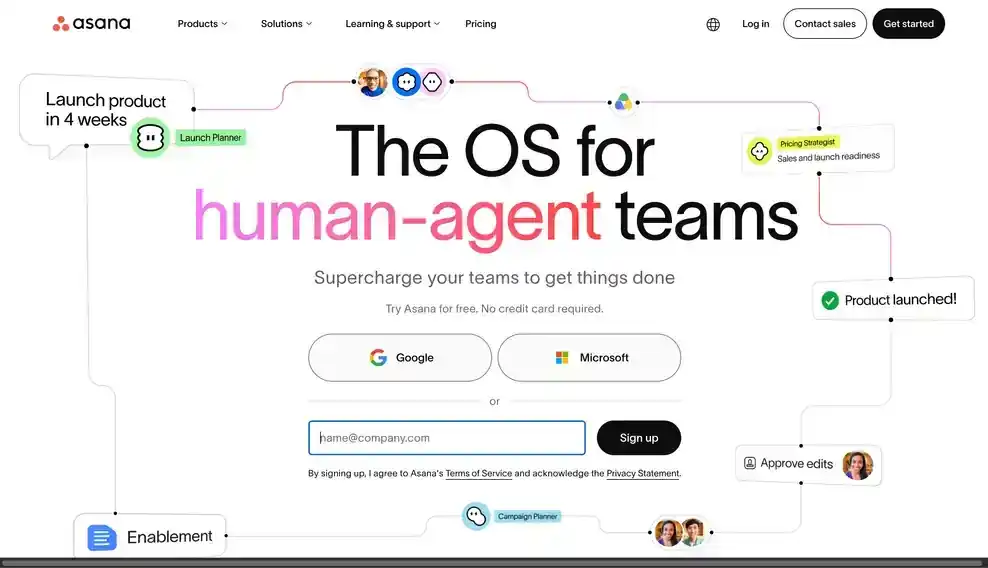
Asana's workload and timeline views let a resource manager see assignments across concurrent engagements on one screen. Custom fields can carry effort estimates, but there is no native utilization report, so that number still has to be calculated separately.
Pros
Cons
Pricing: Plans with basic timeline and workload features start at $10.99 per person per month billed annually. See Asana vs Pike.
Best for: finance-first firms that want utilization tied to real cost rates.
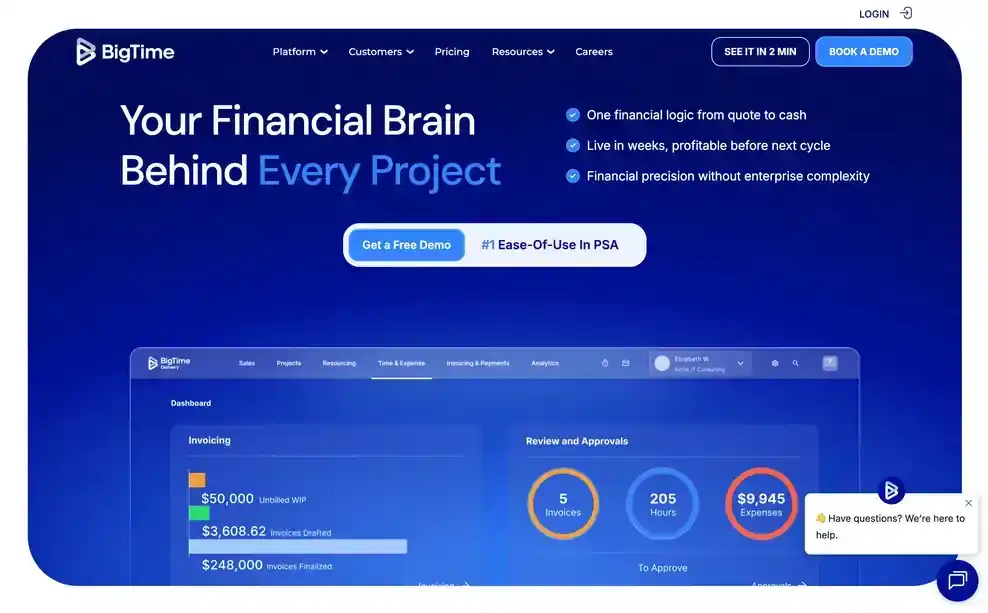
BigTime builds its utilization and resourcing reports from actual per-person cost rates rather than a flat estimate, so the numbers tie directly to what an engagement costs to staff. Scenario planning lets a firm test a proposed staffing plan against existing workload before committing to it.
Pros
Cons
Pricing: BigTime starts at $20 per person per month. Confirm which tier includes scenario planning and utilization reporting.
Consulting and professional services firms choose Pike because allocation, capacity, and utilization stop being three separate documents that a resource manager has to reconcile by hand. When a new engagement needs staffing, Pike shows who actually has room, by skill, without a spreadsheet in between. Pike keeps resourcing in the same view as project delivery and finance, so a staffing decision shows its margin impact at the same time it's made.
See allocation, capacity, and utilization for your whole firm in one place. Book a 15-minute walkthrough.
We assessed each product against the five areas above: firm-wide visibility, built-in utilization reporting, skill-based matching, capacity and forecasting together, and a connection to billing, along with fit for consulting and professional services firms specifically.
Public vendor pages supplied feature and pricing details. Where a vendor did not publish pricing, we marked it contact sales. Each entry names one real limitation alongside its strengths.
Share
 ISO 27001
 GDPR
GDPR SOC 2 Type II
Built to keep sensitive client data secure and private.